
1/6
20 title hooks for AI workflow videos
A swipeable CTR brief for creator AI workflow videos, with 20 title hooks, matching thumbnail copy, cover-layout notes, and A/B test pairings.
A creator is pitching a video about using AI to plan, edit, repurpose, and test content before upload. The title angles below use three audience signals: creator-led communities are shaping YouTube culture, participatory viewing keeps pulling audiences into the work, and younger viewers often respond to dense platform-native cues rather than generic explainers. 1 2
Keep the thumbnail copy short enough to read at a glance. YouTube's title-and-thumbnail testing can compare up to three combinations and selects a winner based on watch time, so the best tests should compare different promises, not tiny synonym changes. 3
Gallery route
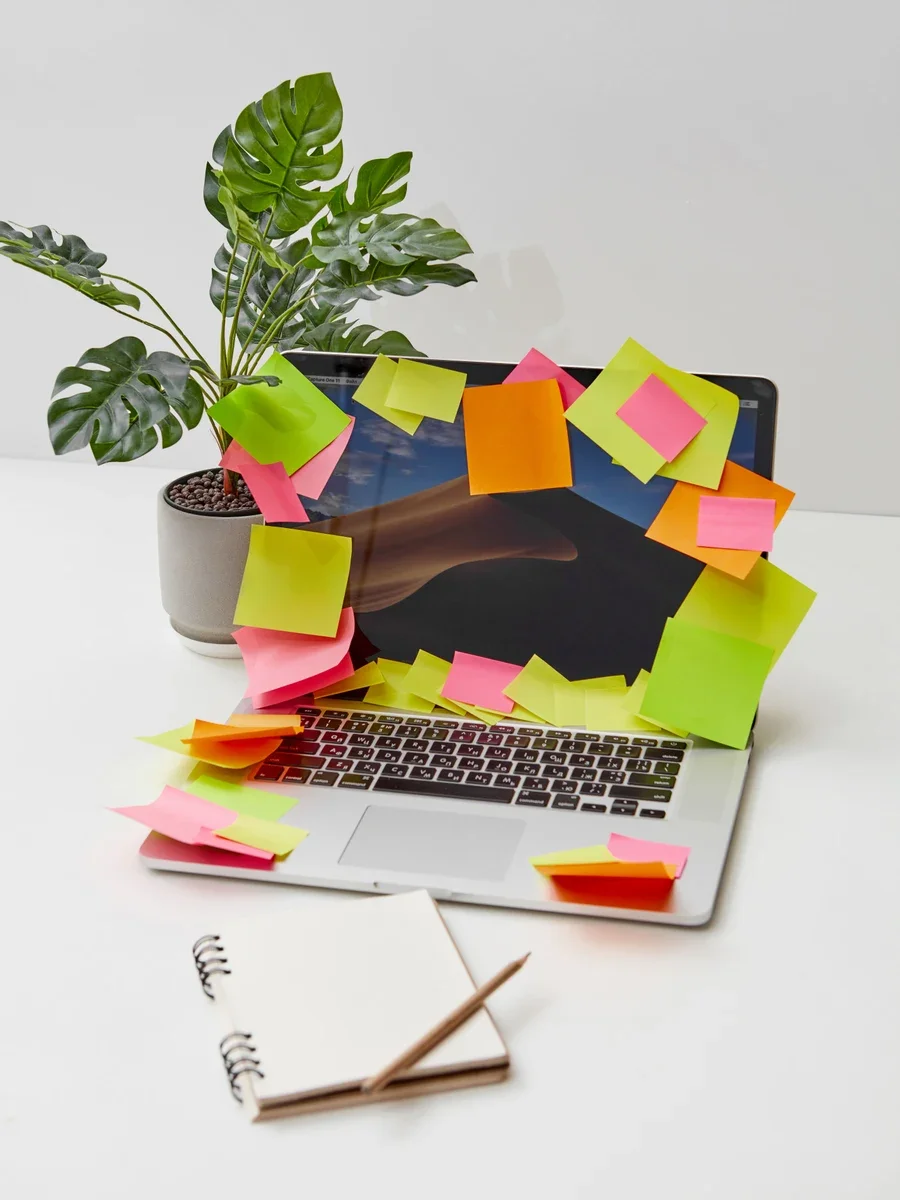
- Cover: sticky-note overload as the visual shorthand for too many ideas before upload.
- Hook map: planning desk, laptop, and blank notes for choosing the angle before writing.
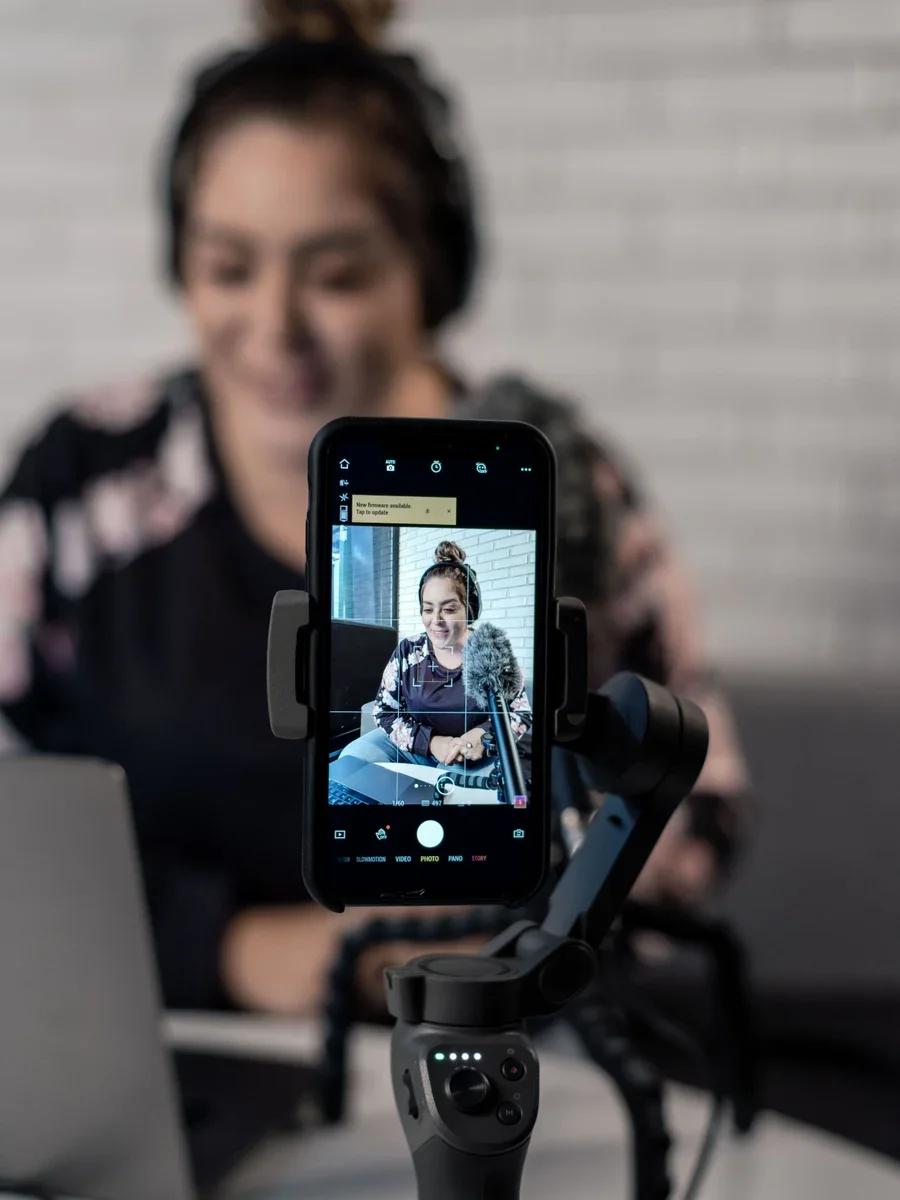
- Filming focus: phone-on-tripod framing for creator-led, first-person content.
- Craft pass: camera plus laptop for the edit-and-package stage.
- Late-stage edit: dark editing desk for bottleneck and polish angles.
- Clean reset: blue notes on a laptop for choosing the final A/B set.
Curiosity hooks
| # | Title candidate | Thumbnail copy | Layout suggestion |
|---|---|---|---|
| 1 | I Tried the AI Workflow Creators Are Quietly Copying | SECRET STACK | Split screen: messy manual workflow on the left, calm stacked cards on the right. |
| 2 | The 4-Step AI System Behind Faster Videos | 4-STEP SYSTEM | Four numbered blocks, one bold arrow, no tool logos. |
| 3 | What Changed When I Let AI Plan My Content | AI PLANNED THIS | Human face or creator desk as the emotional focus; planning board as secondary proof. |
| 4 | I Rebuilt My Workflow With Only New AI Tools | NEW STACK | Before/after tool stack, but keep the copy under four words. |
Pain-point hooks
| # | Title candidate | Thumbnail copy | Layout suggestion |
|---|---|---|---|
| 5 | Your Content Workflow Is Leaking Hours | TIME LEAK | Use a clock or draining progress bar as the visual focus. |
| 6 | Why Your AI Tools Still Feel Slow | STILL SLOW? | Show a stalled pipeline, not a pile of random app icons. |
| 7 | The Editing Bottleneck Creators Ignore | FIX THIS | Highlight the single bottleneck with one red marker. |
| 8 | You Don't Need More Tools. You Need This Order | WRONG ORDER | Use a reordered checklist; avoid making the thumbnail look like a software ad. |
Result hooks
| # | Title candidate | Thumbnail copy | Layout suggestion |
|---|---|---|---|
| 9 | I Cut My Video Prep From 6 Hours to 90 Minutes | 6H -> 90M | Make the time reduction the biggest object on the cover. |
| 10 | The AI Workflow That Turns One Idea Into 7 Assets | 1 -> 7 | One input card branching into seven output cards. |
| 11 | From Blank Page to Publish Plan in 30 Minutes | 30 MIN PLAN | Blank page on one side; clean plan board on the other. |
| 12 | How I Batch a Week of Content in One Morning | ONE MORNING | Calendar strip plus a breakfast-table time cue; keep it human, not corporate. |
Controversy hooks
| # | Title candidate | Thumbnail copy | Layout suggestion |
|---|---|---|---|
| 13 | AI Didn't Kill Creativity. It Killed Busywork | BUSYWORK DIES | Cross out repetitive task cards, not the creator. |
| 14 | Stop Using AI Like a Search Bar | NOT A SEARCH BAR | Big search bar visual with a clear rejection mark. |
| 15 | The Creator Tool Stack Is Too Bloated | TOO MANY TOOLS | Overcrowded stack collapsing into one simple workflow. |
| 16 | Your Best Ideas Should Not Start in ChatGPT | START ELSEWHERE | Put the idea source outside the chat window: notes, comments, audience questions. |
How-to hooks
| # | Title candidate | Thumbnail copy | Layout suggestion |
|---|---|---|---|
| 17 | Build a 5-Step AI Content Workflow From Scratch | BUILD THIS | Simple 1-5 staircase with one emphasized final output. |
| 18 | Turn One Video Idea Into Shorts, Posts, and Email | REPURPOSE MAP | Hub-and-spoke map; keep every spoke visually distinct. |
| 19 | Make a Thumbnail Brief Before You Edit | BRIEF FIRST | Large thumbnail box plus a short checklist beside it. |
| 20 | Run 3 Title/Thumbnail Tests Before Upload | 3 TESTS | Three cover cards side by side with one winner marker. |
A/B test combinations
| Test | Version A | Version B | What the test learns |
|---|---|---|---|
| 1 | Title: I Tried the AI Workflow Creators Are Quietly Copying / Cover: SECRET STACK | Title: I Cut My Video Prep From 6 Hours to 90 Minutes / Cover: 6H -> 90M | Curiosity versus measurable outcome. |
| 2 | Title: Your Content Workflow Is Leaking Hours / Cover: TIME LEAK | Title: Build a 5-Step AI Content Workflow From Scratch / Cover: BUILD THIS | Pain recognition versus step-by-step utility. |
| 3 | Title: The Creator Tool Stack Is Too Bloated / Cover: TOO MANY TOOLS | Title: The AI Workflow That Turns One Idea Into 7 Assets / Cover: 1 -> 7 | Contrarian belief versus output multiplication. |
Thumbnail guardrails
- Visual focus: one problem, one transformation, or one bold artifact. Do not show every tool at once.
- Text length: 2-4 words is the sweet spot for the cover copy in this issue.
- Emotional intensity: use curiosity and friction without promising impossible results.
- Avoid: fake earnings claims, unreadable software screenshots, tiny app logos, and titles that the video cannot satisfy.
Image credits
Swipe visuals use creator-workspace photos from Pexels: sticky-note laptop by DS stories, plant and laptop planning desk by DS stories, phone recording setup by Alan Quirvan, camera and laptop desk by Mikhail Nilov, editing desk by Nicolas Rueda, and blue-note laptop by Tara Winstead.
Comments
Sign in to comment.